Your next tab is a game.

Radiant Optimizer
Games

Find a browser game. Know what it needs. Get straight to the right project.

Classic ports, web originals and practical launch guides. Clear file requirements, source links and honest check notes.

40 project launch links3 control tests completed0 game files hosted
Check scope shown on every card File requirements up frontHow we check projects

Less searching. Better starting.

Pick a game. Check the fine print.

Full directory
40 projects

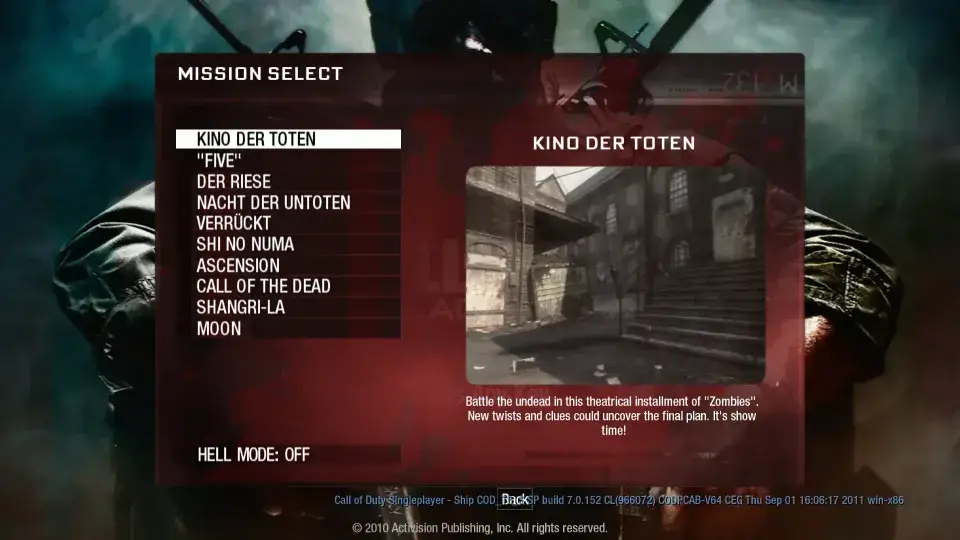
Black Ops 1 Zombies map-selection screen on vel.gg, with Kino der Toten selected
Project screen preview
Zombies
No game files neededKeyboard & mouse

Kino and other map launchers, with a substantial first download.

Load test inconclusive
Check notes · 2026-10-11

Desktop Chrome: Kino showed a 330.5 MB download, completed loading, then reported a pointer-lock restriction at Click to Start. Gameplay and other maps are unconfirmed.

Image source: vel.gg · recorded 2026-10-11.

View source: vel.gg ↗
vel.gg · external project
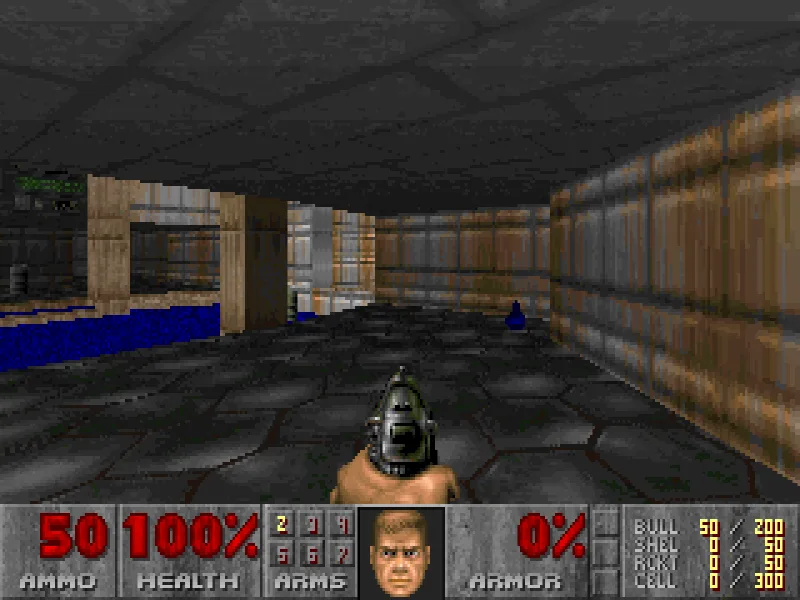
DOOM Shareware first-level browser screenshot with the pistol and original status bar
Gameplay screenshot
Shooter
No game files neededKeyboard & mouse

Choose solo or a multiplayer room in a WebAssembly DOOM experiment.

Controls tested
Check notes · 2026-10-11

Desktop Chrome: Play Solo, menus and a rendered first level were reached; Enter and arrow-key input were exercised. Multiplayer, saving and touch controls are untested.

Image source: silentspacemarine.com · recorded 2026-10-11.

View source: silentspacemarine.com ↗
silentspacemarine.com · external project
Quake emblem from the QuakeWorld browser project's social preview
Project artwork
Shooter
No game files neededKeyboard & mouse

A browser QuakeWorld client with a player-name entry screen.

Load test inconclusive
Check notes · 2026-10-11

The project page loaded and Play opened the client. Our session remained on the loading screen.

Image source: q1.pieter.com · recorded 2026-10-11.

Project artwork identifies the game; it is not a completed browser-game session.

Quake artwork: id Software. Browser project: Pieter.

View source: q1.pieter.com ↗
q1.pieter.com · external project
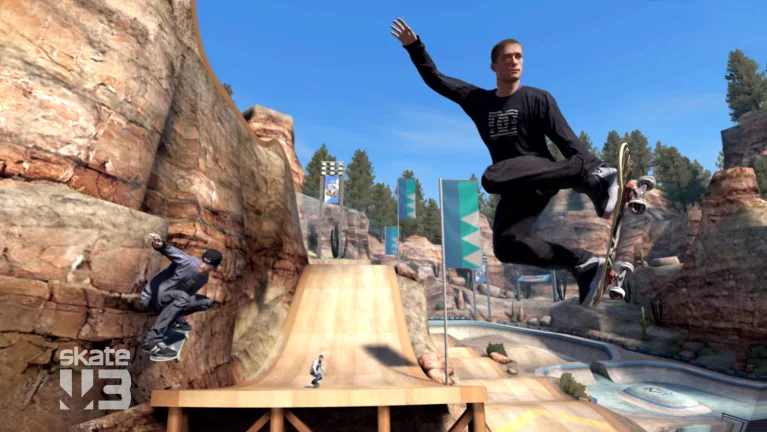
Skate 3 publisher image showing a skateboarder jumping above a ramp in Port Carverton
Reference game artwork
Sports
Bring your own filesKeyboard / controller untested

An unofficial skating project whose page asks for your converted game data.

Load test inconclusive
Check notes · 2026-10-11

The page states a converted-copy requirement. Continuing showed game-data preparation and a 57 MB engine; renderer startup did not finish in our check. No skating or controls verified.

Image source: www.ea.com · recorded 2026-10-11.

Publisher image of the retail game, used to identify this listing. The browser fan project's gameplay remains unconfirmed.

Skate 3 artwork: Electronic Arts. This website is not endorsed by or affiliated with EA or its licensors.

Image usage terms ↗

View source: skate.aaddpp.lol ↗
skate.aaddpp.lol · external project
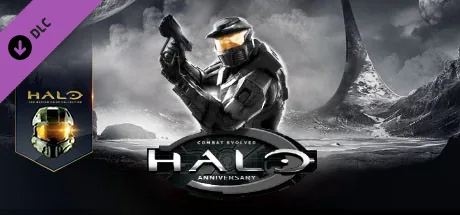
Halo Combat Evolved Anniversary retail cover featuring Master Chief, used as reference artwork
Reference game artwork
Shooter
Bring your own filesKeyboard & mouse listed

A Halo CE browser launcher that asks for an XISO from your own Xbox copy.

Source page checked
Check notes · 2026-10-11

The developer's /halo/ address opens a Halo launcher at /halo/halo.html, build web-d8ae8a16c2f0367f88b10a00. Desktop Chrome reached the Choose XISO screen. No disc image was supplied, so level loading, controls and campaign content remain untested.

Image source: store.steampowered.com · recorded 2026-10-11.

Retail Anniversary artwork identifies the franchise. The linked browser project requests Xbox XISO data; this artwork is not a screenshot of that build.

The Halo reference image was created under Microsoft's Game Content Usage Rules using assets from Halo: Combat Evolved Anniversary, and it is not endorsed by or affiliated with Microsoft.

Image usage terms ↗

View source: mitchellhynes.com ↗

mitchellhynes.com · external project
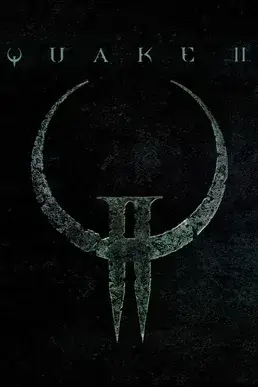
Quake II cover artwork with the game's metallic emblem from Pieter's project page
Project artwork
Shooter

Quake II

No game files neededKeyboard & mouse

A separate Quake II multiplayer browser project from Pieter.

Source page checked
Check notes · 2026-10-11

The project landing page responded. Joining a match has not been tested.

Image source: q2.pieter.com · recorded 2026-10-11.

Quake II artwork: id Software. Browser project: Pieter.

View source: q2.pieter.com ↗
q2.pieter.com · external project
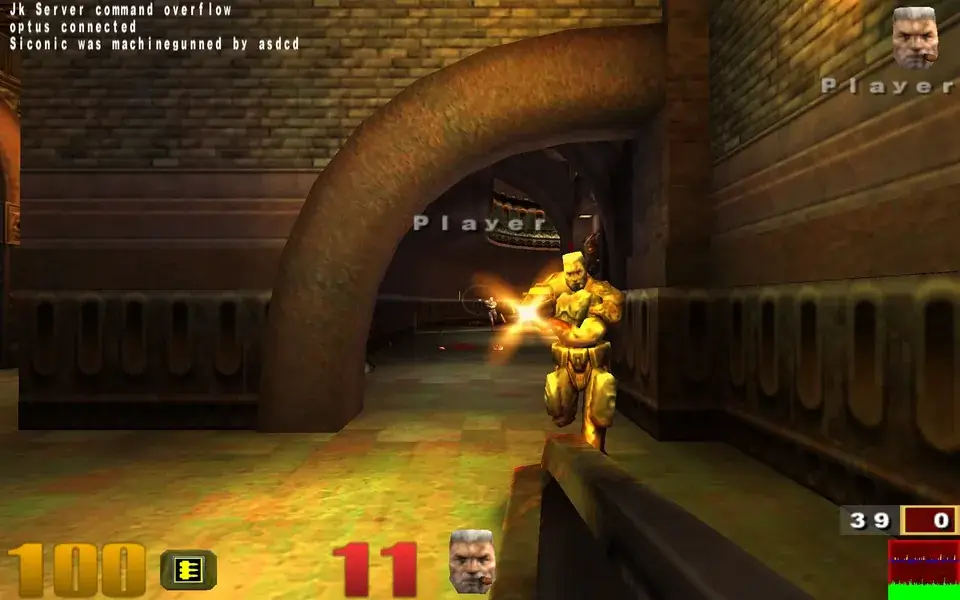
Quake III browser arena scene with a player firing in a stone corridor
Gameplay screenshot
Shooter

Quake III

No game files neededKeyboard & mouse

An arena shooter browser project with its own launch page.

Source page checked
Check notes · 2026-10-11

The landing page responded. Matchmaking, controls and mobile play remain untested.

Image source: q3.pieter.com · recorded 2026-10-11.

A rendered browser scene was captured for this image. Controls, match reliability and mobile support are not established by the image.

Quake III artwork: id Software. Browser project: Pieter.

View source: q3.pieter.com ↗
q3.pieter.com · external project
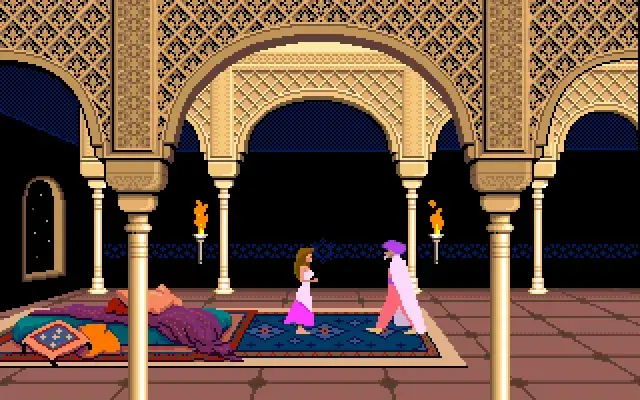
PrinceJS browser introduction showing the princess and Jaffar in the palace
Project screen preview
Platformer

PrinceJS

No game files neededKeyboard

A browser reconstruction of the classic Prince of Persia platformer.

Source page checked
Check notes · 2026-10-11

The source page responded. We have not verified all levels, saving or phone controls.

Image source: princejs.com · recorded 2026-10-11.

View source: princejs.com ↗
princejs.com · external project
Browse all 40 matching projects

Source checks and control tests are different. Read each project’s notes before opening. Images are labeled by type; a preview does not confirm working controls.

Choose your starting point

One good list beats twenty tabs.

A useful reality check

What are
Radiant Optimizer Games?

Radiant Optimizer Games is an independent browser-games directory inspired by interest in the Radiant Optimizer games list. It brings together web games and community browser projects, with the setup details that a bare link leaves out.

These projects are different things: a native web game, an engine port, a reconstruction or a launcher needing your own data. A page loading successfully does not prove its game works. Our cards distinguish source-page checks, tested controls and unresolved launch attempts.

Start with projects that need no game files, or read the browser-game startup guide. Each of our five detailed entries explains a particular project, its current evidence and the next useful step.

We do not host games, installers or game data. Launch buttons open third-party sites. This directory is independent of Radiant Optimizer and all listed game publishers.

Sources, verification and corrections

Before your next tab

A few things worth knowing.

Are all listed games playable right now?

The main directory has confirmed launch addresses, with control tests labeled separately. A source-page check does not guarantee gameplay. Projects without a confirmed launch address are kept in the full directory’s collapsed status archive and excluded from its count.

Does “no install” mean nothing is downloaded?

No. Browser games fetch scripts, engines and assets. No install means there is no separate launcher or installed client in the workflow we describe. Some projects still require data from a game you own.

What does “bring your own files” mean?

Some browser ports need compatible game data from a copy you own. File formats and preparation steps vary by project, so read its launch guide before selecting files. We do not supply game data. If you do not have the required files, use the No game files filter to find another project.

Can I play on my phone?

Check the project’s input notes. A responsive website does not establish touch support. Our initial detailed port checks are desktop checks; mobile gameplay is not promised.

What should I do if a game stays on the loading screen?

Check whether the initial download is still progressing, then note any browser error or graphics warning. Some launchers also need your own files or mouse-capture permission. Use our troubleshooting guide to identify the stage that failed, or choose another project with the same genre and different setup requirements.

Can I save games without creating an account?

Yes. Use the bookmark button on a game card to save it in this browser. Saved games and recently opened links do not sync between devices, and clearing this site’s browser storage removes them. Opening an external game may involve that project’s own account requirements.

Is Radiant Optimizer Games an official game website?

We are an independent directory and guide, unaffiliated with Radiant Optimizer or the listed game publishers. Open project buttons lead to third-party websites; we do not host the games or their data. Each card includes a source link and check notes so you can identify the project and understand what was verified.

Where do I report an incorrect requirement or broken link?

Email support@radiantoptimizergames.site with the project name, address, browser and what happened. We review reports before changing public verification labels.